
Formatting a document with multiple columns is simple once you know where to locate the columns feature. This example also has justified alignment, which evenly aligns your text along both the left and right margins.
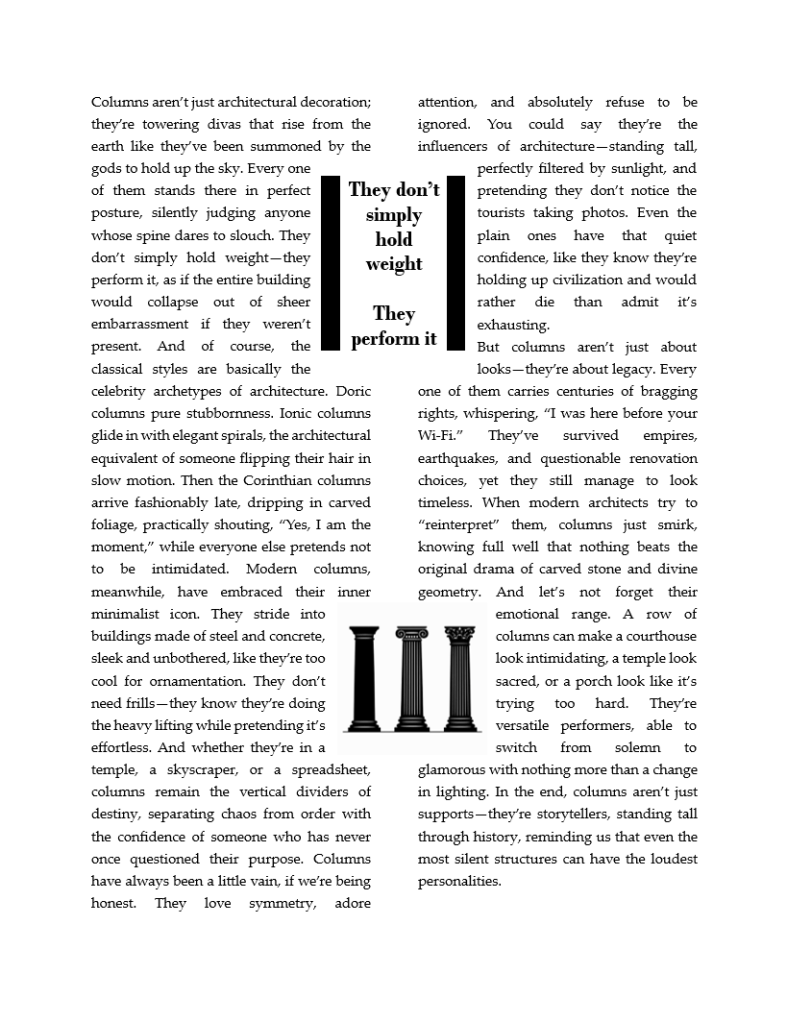
You can break up the page and add visual interest by adding objects like callouts, which are designed to draw attention to specific information.
The first callout in this document was created using a 1-row, 3-column table.
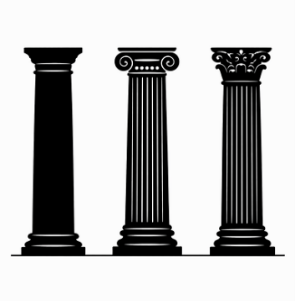
The second is a graphic created by an AI assistant. It adds interest to the page and gives you an idea of what the article is about (yes, it is about columns).
Below is a list of features used to create this article. If you would like step-by-step instructions, click the links next to the feature you would like to learn.
Step 1: Create a new 2-column document with justified alignment.
Step 2: Add the first callout – a 1 row table
Step 3: Add the second callout – an AI generated illustration



 How Did They